This guide shows you all the steps to use Ethical Mail on an iPhone.
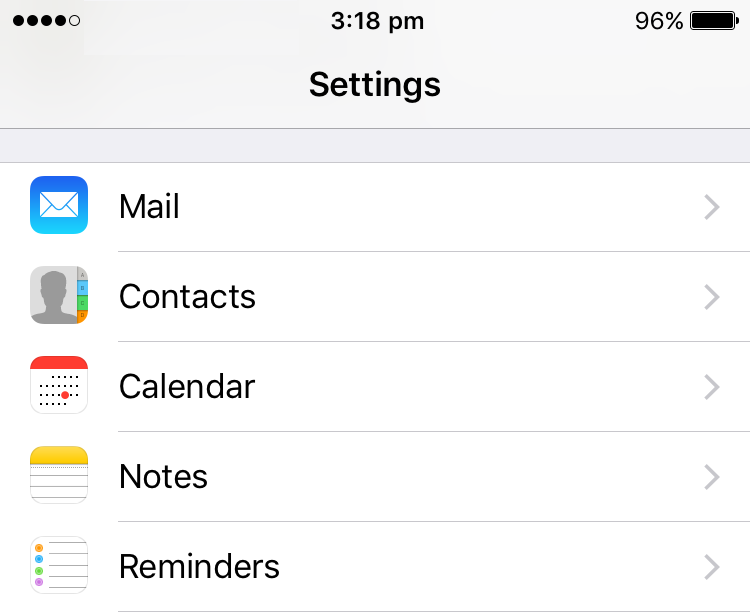
Go to Settings and select Mail.
 ⇨
⇨
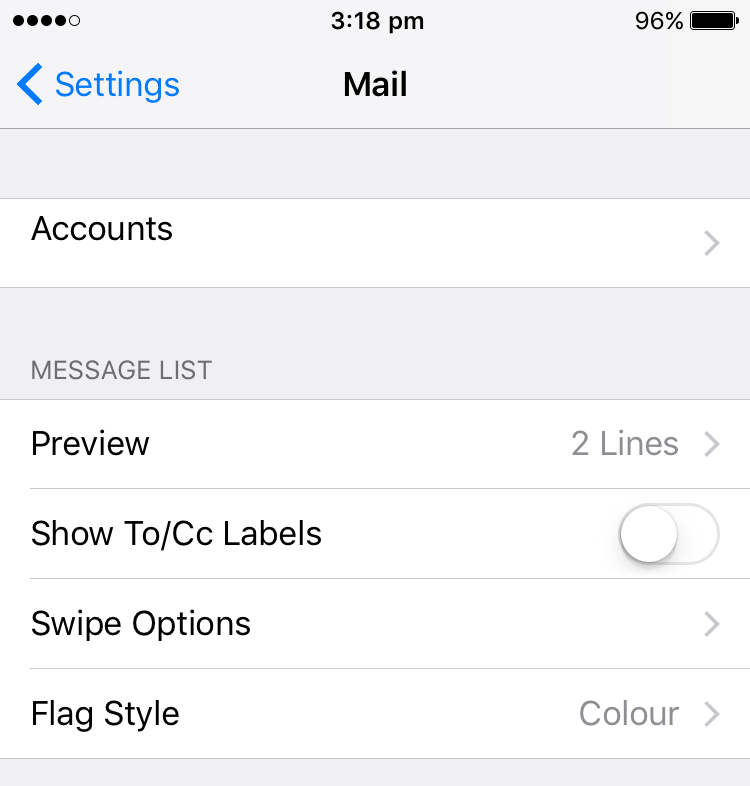
Select Accounts.
 ⇨
⇨
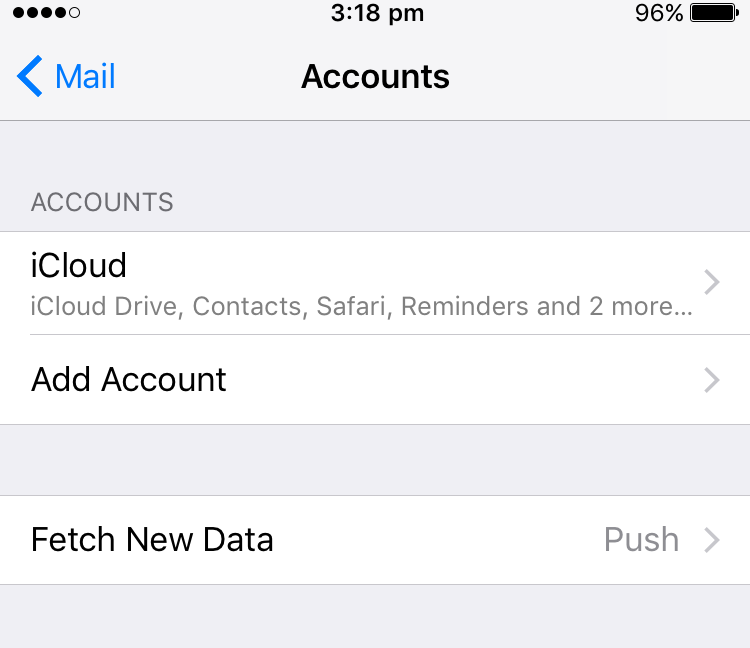
Select Add Account.
 ⇨
⇨
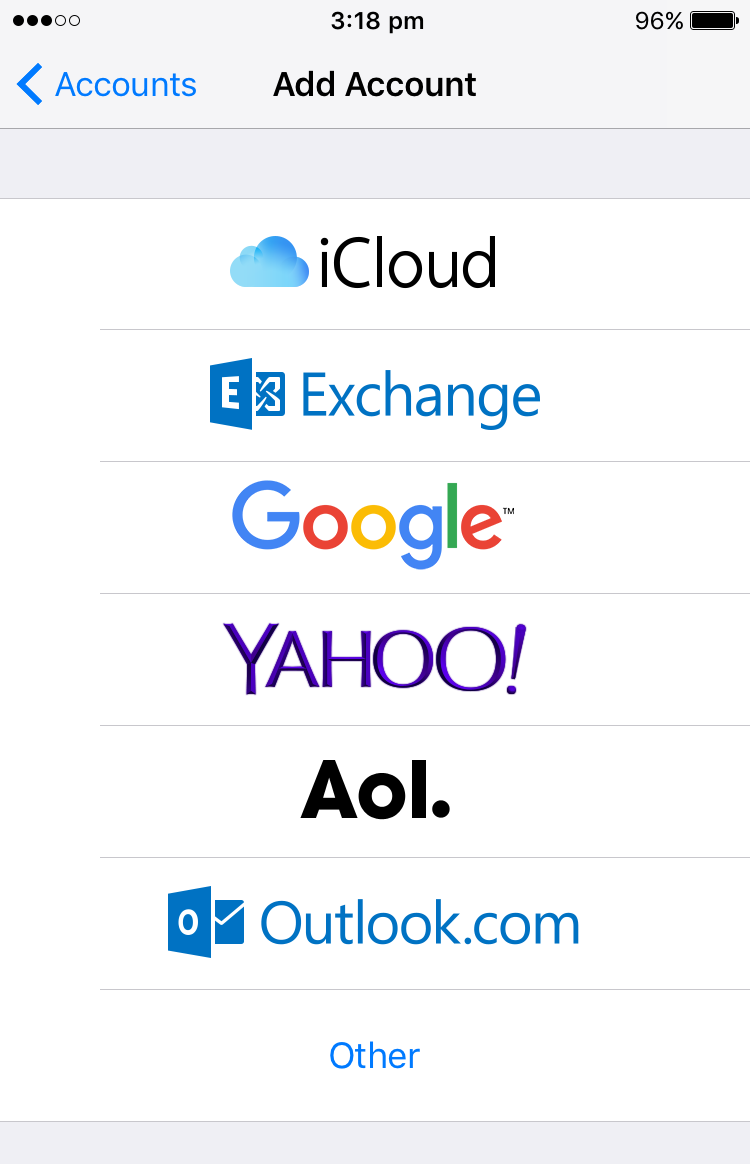
Scroll to the bottom and select Other.
 ⇨
⇨
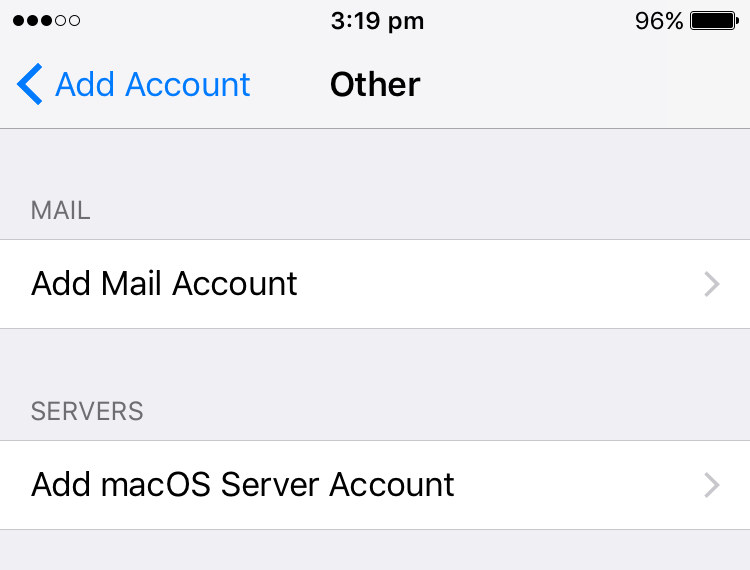
Select Add Mail Account.
 ⇨
⇨
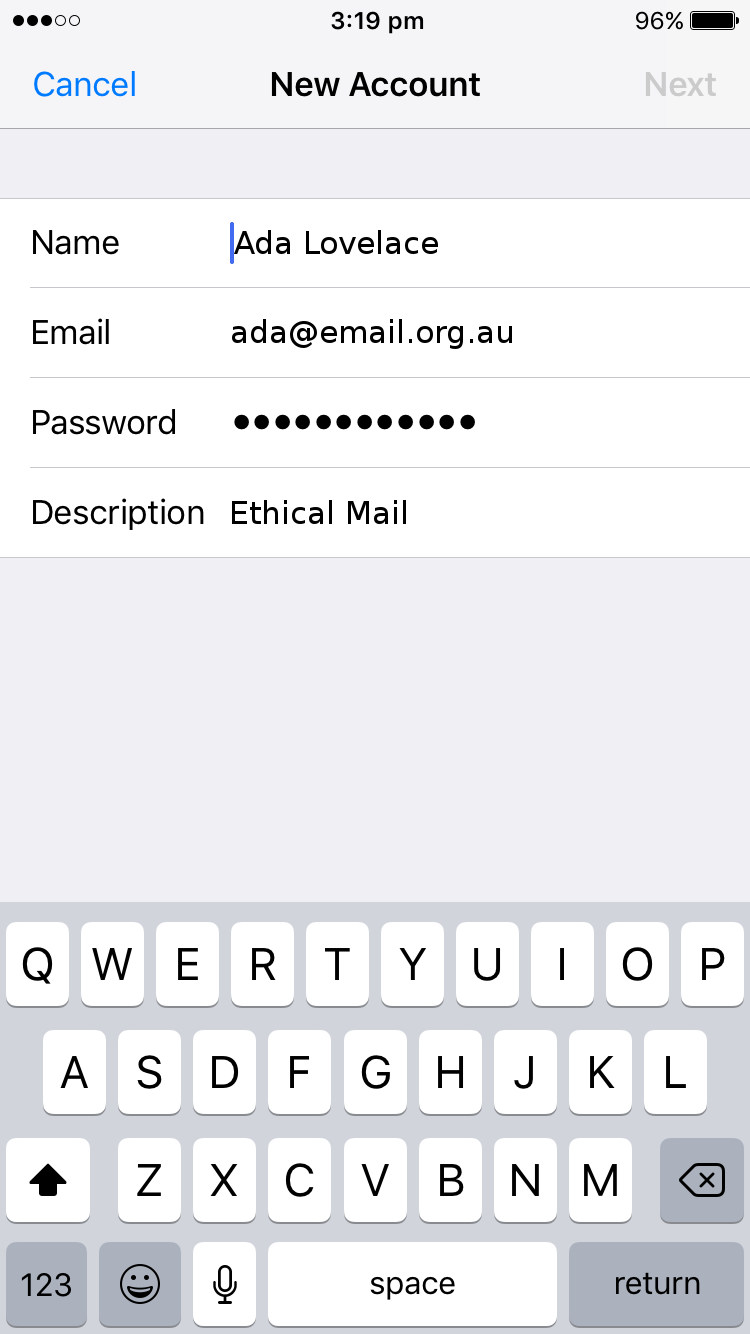
Enter your details. You can choose your name and the account description freely. But the email has to be your @email.org.au address. The password has to be the same as for the login on our website.
Select Next after you entered your details.
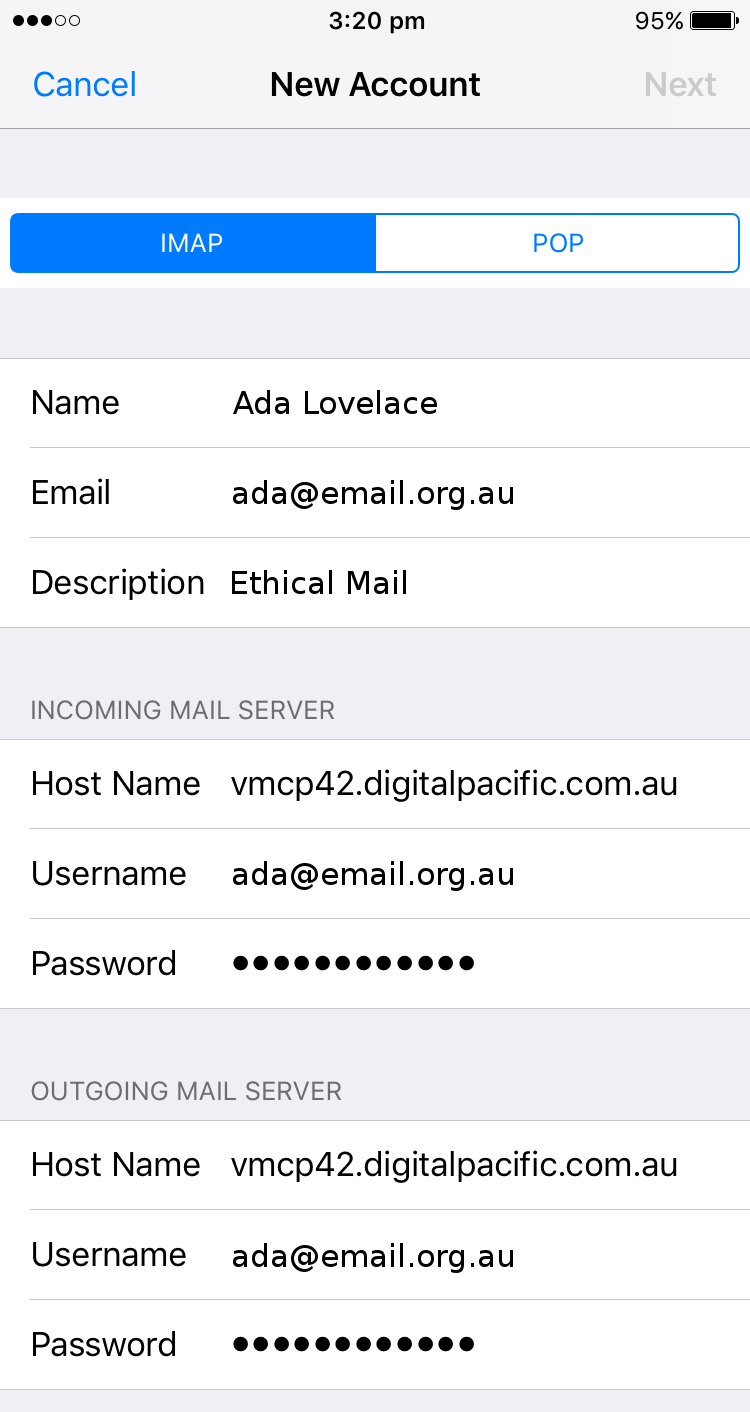
Enter the server details.
The host name is: mail.email.org.au
The user name is your email address ending in @email.org.au.
Then select Next
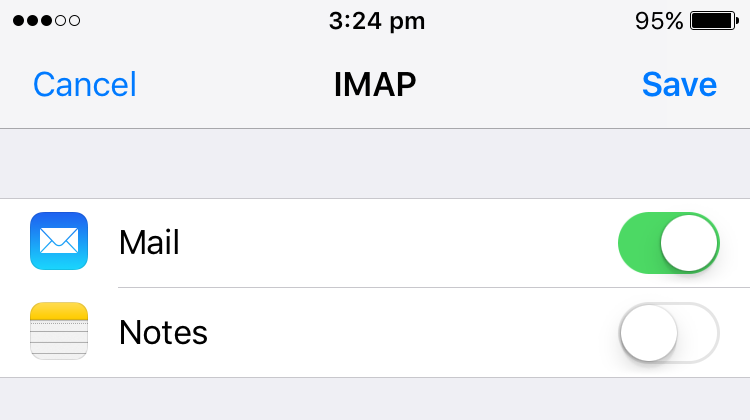
Select Save and you are done.